
Payment gateway
for your WooCommerce website
Connect iK Pay Gateway to your WooCommerce website and start accepting payments online through your checkout.
Getting paid on your WooCommerce website
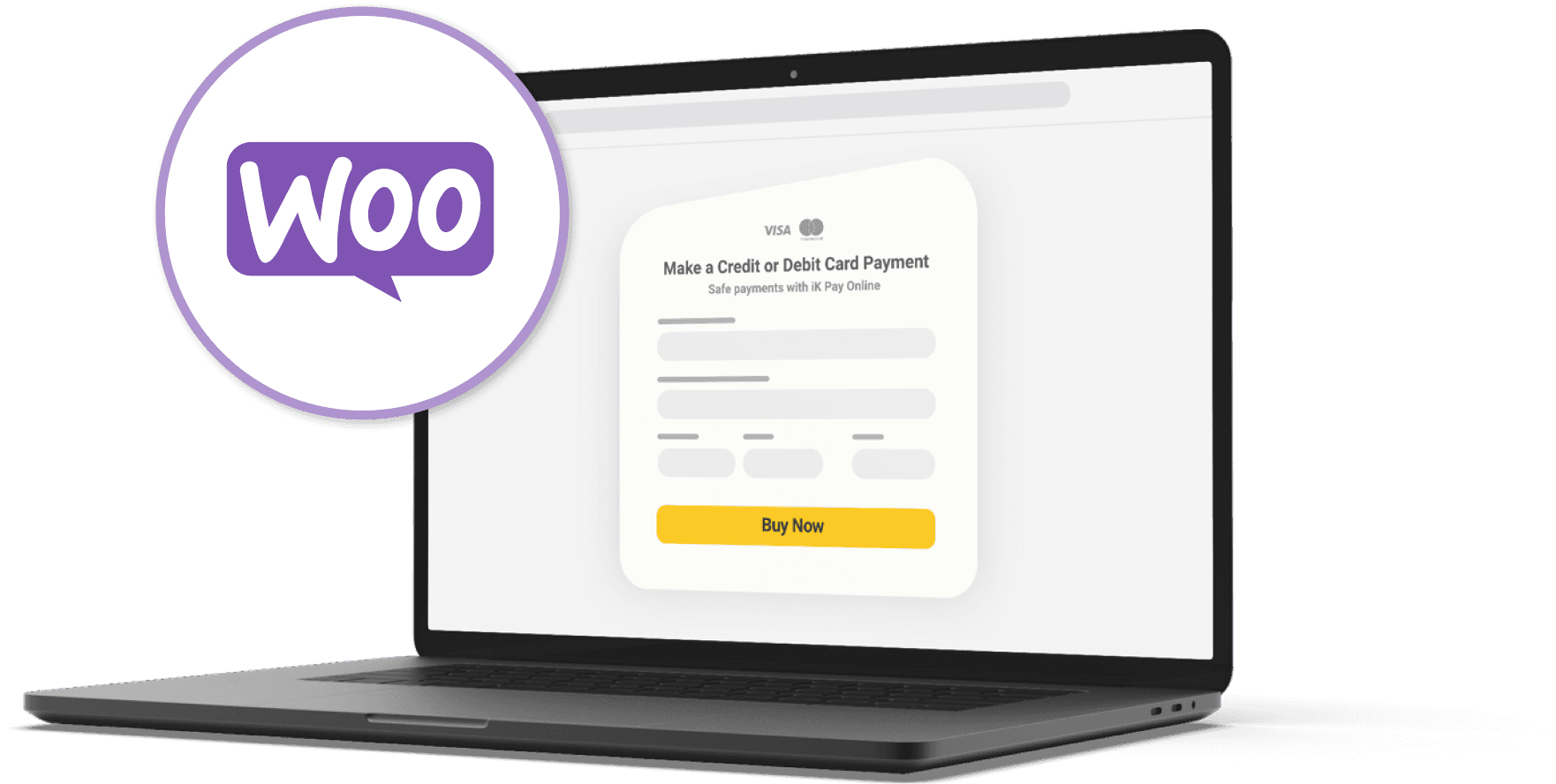
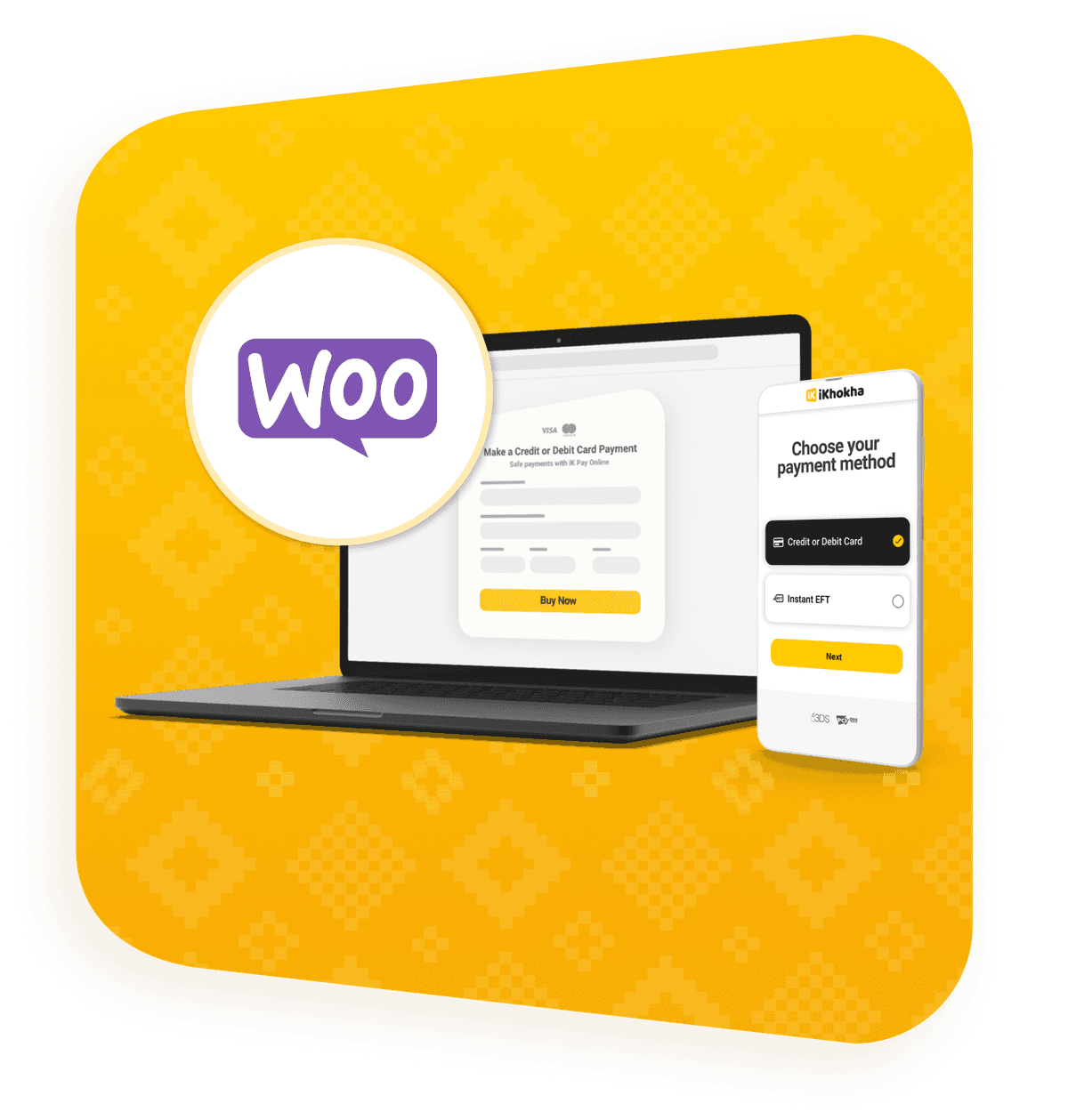
If your website already runs on WordPress with WooCommerce, you don’t need to rebuild anything just to start taking payments online. iK Pay Gateway connects to your WooCommerce checkout so you can accept payments on your site in a way that feels simple and familiar. That means your customers can browse your store, add what they need to cart, and pay online when they’re ready.


How to connect your
WooCommerce payment gateway
Getting set up is straightforward once your WooCommerce store is ready.
Product Features
- 1Set up your WordPress website and WooCommerce store so you’re ready to start selling online.
- 2Create your iKhokha profile, upload your documents, and complete your setup.
- 3Log in to your iK Dashboard and generate your website key for the WooCommerce plugin.
- 4Add iK Pay Gateway to your WooCommerce website and connect it to your checkout.
- 5Run a test payment, check that your checkout is working properly, and start accepting payments online.
Feel inspired









FAQs
First set up your WooCommerce store and complete your iKhokha profile. Then log in to your iK Dashboard, generate your website key, add iK Pay Gateway to your WooCommerce website, and test your checkout before going live.
Yes. The WooCommerce plugin is free to install. Transaction fees apply when you start accepting payments.
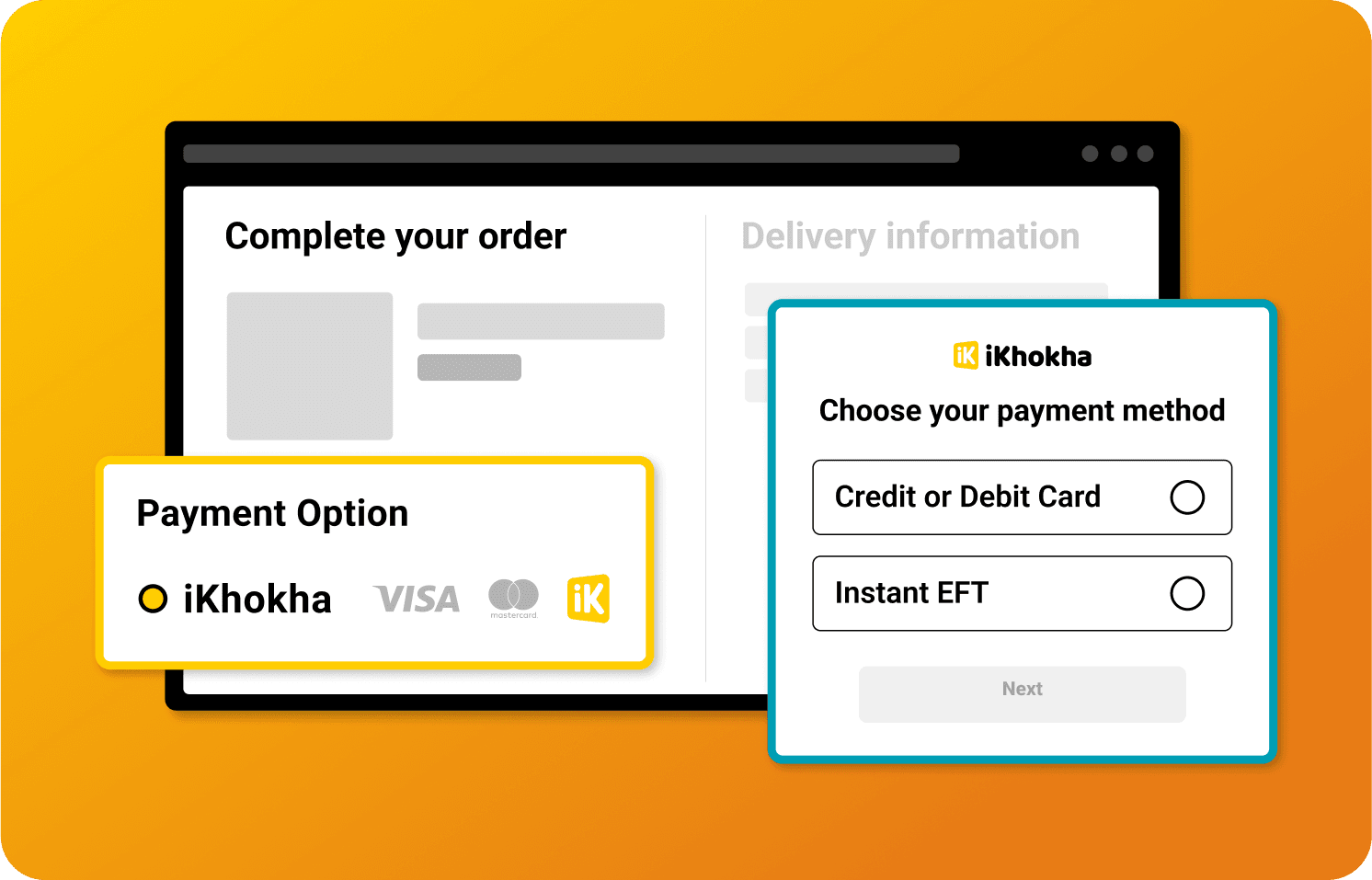
Customers can pay using card payments, Instant EFT, Google Pay and Apple Pay through iK Pay Gateway checkout.
No. iK Pay Gateway connects to your WooCommerce checkout so customers can complete their payment as part of the checkout process on your website.
Need help?
Get help instantly on WhatsApp, our chatbot Kelly, or by requesting a callback.
You can also call 087 222 7000 or email support@ikhokha.com