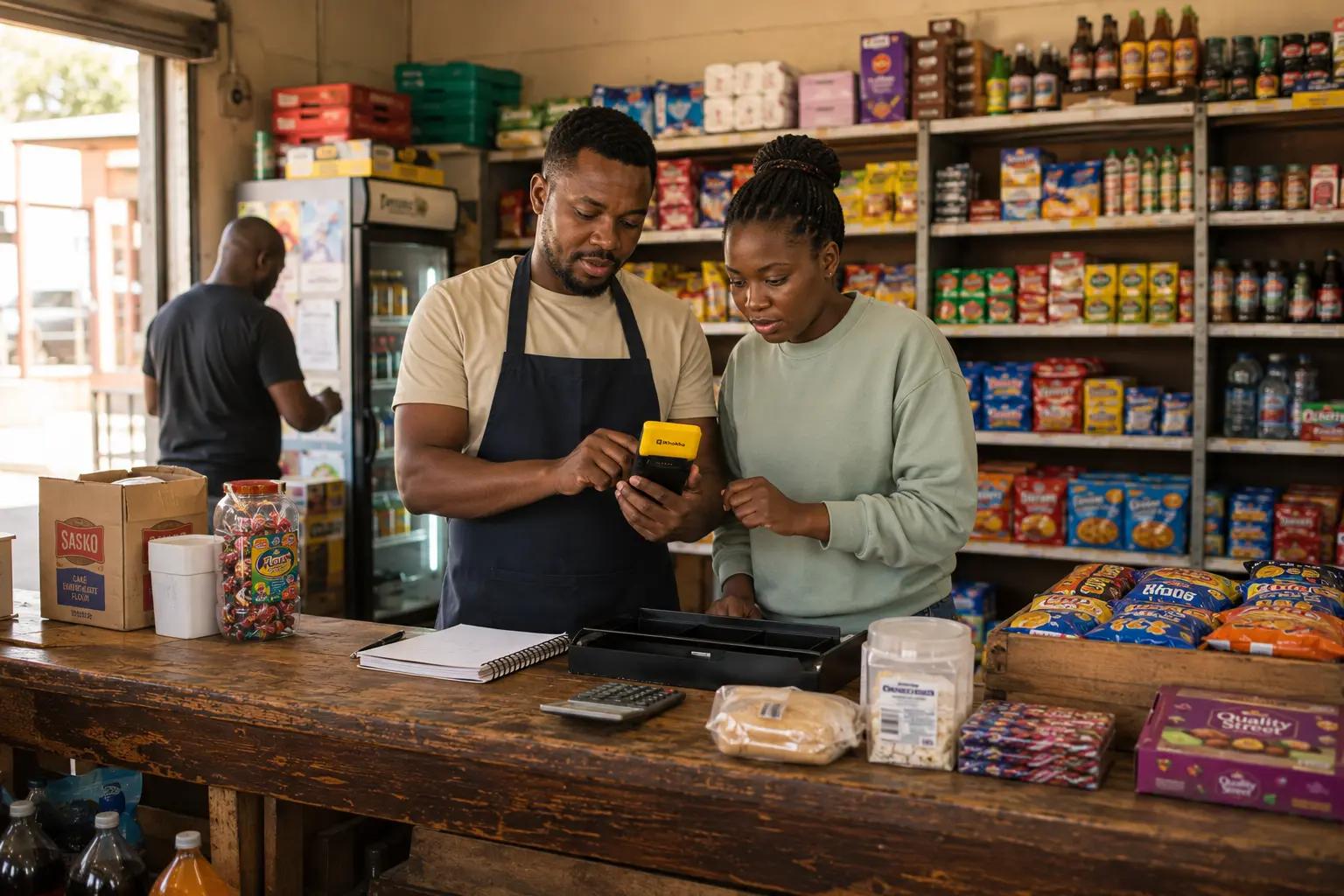
What Is a POS System? A Guide for South African Small Businesses
Learn what a POS system is, how it works, the different types available in South Africa, and how to choose the right POS solution for your business.
Table of Contents
- Introduction
- What is a point of sale system?
- POS system vs card machine:
- What does a POS system do?
- Hardware components of a POS system
- Software components of a POS system
- Types of POS systems for SA small businesses
- How to choose the best POS for your business
- Match the POS to your business type
- Key features to look for
- What to consider on cost
- Common questions about POS systems
- Getting started with the right POS system
At the end of a busy day, do you know exactly what you sold and how much you actually made? For a lot of small business owners in South Africa, the answer is a rough estimate at best. A manual cash-up tells you how much is in the till, but it doesn't tell you much else. That’s where a point of sale system is a gamechanger. Knowing what a POS system does and which type suits your business can make a real difference to how smoothly things run day to day. So, what is a point of sale system? This guide covers all of that in plain language, with SA small businesses in mind.
What is a point of sale system?
A point of sale system, or POS system, is the combination of hardware and software a business uses to process sales, take payments, track stock, and record what's been sold. The "point of sale" is simply the moment and place where a customer pays - and a POS system is what makes sure that moment is recorded properly and that everything adds up at the end of the day.
At its most basic, a point of sale system is a way to ring up a sale, take payment, and keep a record of the transaction. From there, depending on the system you choose, it can do a lot more.
POS system vs card machine:
If you already have a card machine, you might be wondering what the difference is. A card machine accepts payments - that's what it was built to do. A POS system does that and more. It tracks what was sold, updates your stock, generates sales reports, and can manage staff logins and supplier records.
The good news is that in South Africa, the line between the two has become blurred. Many modern card machines now come with POS software already built in, which means the device you're already using to take payments might be doing more than you realise. We'll cover that in more detail in the types section below.
What does a POS system do?
Taking payments is just the starting point of a point of sale’s job. Here's what a POS is doing in the background every time a sale goes through:
- Faster checkout - your products are already loaded with prices, so there's no mental maths at the till and a lot less room for mistakes.
- Sales tracking - every sale gets recorded as it happens, so at the end of the day you know exactly what sold and what didn't, without having to piece it together from memory.
- Stock updates - your stock levels go down with every sale, so you can see what's running low before you actually run out.
- Easier cash-ups - the POS has already counted everything during the day. Closing up takes minutes rather than an hour of manual reconciliation.
- Better buying decisions - when you can see which products are selling and which aren't, you order the right things in the right quantities.
- More ways to get paid - card, tap, and in some setups, prepaid services like airtime and electricity, all from one device.
Hardware components of a POS system
The physical side of a POS system is whatever you need to serve your customers and process payments. That could include a card machine or payment terminal, a touchscreen or tablet, a receipt printer, a cash drawer, and a barcode scanner. Not every business needs all of these - a market business might just need a smartphone and a card machine, while a busy restaurant might need the full setup. Many modern card machines already have a printer and several of these features built in, which keeps things simple for smaller businesses.
Software components of a POS system
The software is where most of the work happens, and it runs quietly in the background every time you make a sale. Depending on the system, POS software can handle product and menu management, stock tracking, sales reporting, staff logins and permissions, customer records and loyalty programmes, and integrations with accounting or invoicing tools. Some of this you'll use every day. Some of it you'll set up once and barely think about again - but it's there when you need it.
POS software can run on dedicated POS hardware, on a card machine that has it pre-loaded, or on a smartphone or laptop. The right setup depends on your business size and how you trade.
Types of POS systems for SA small businesses
Not all POS systems are the same, and the right one for your business really depends on how you trade. Here's a breakdown of the main types available to SA small businesses.
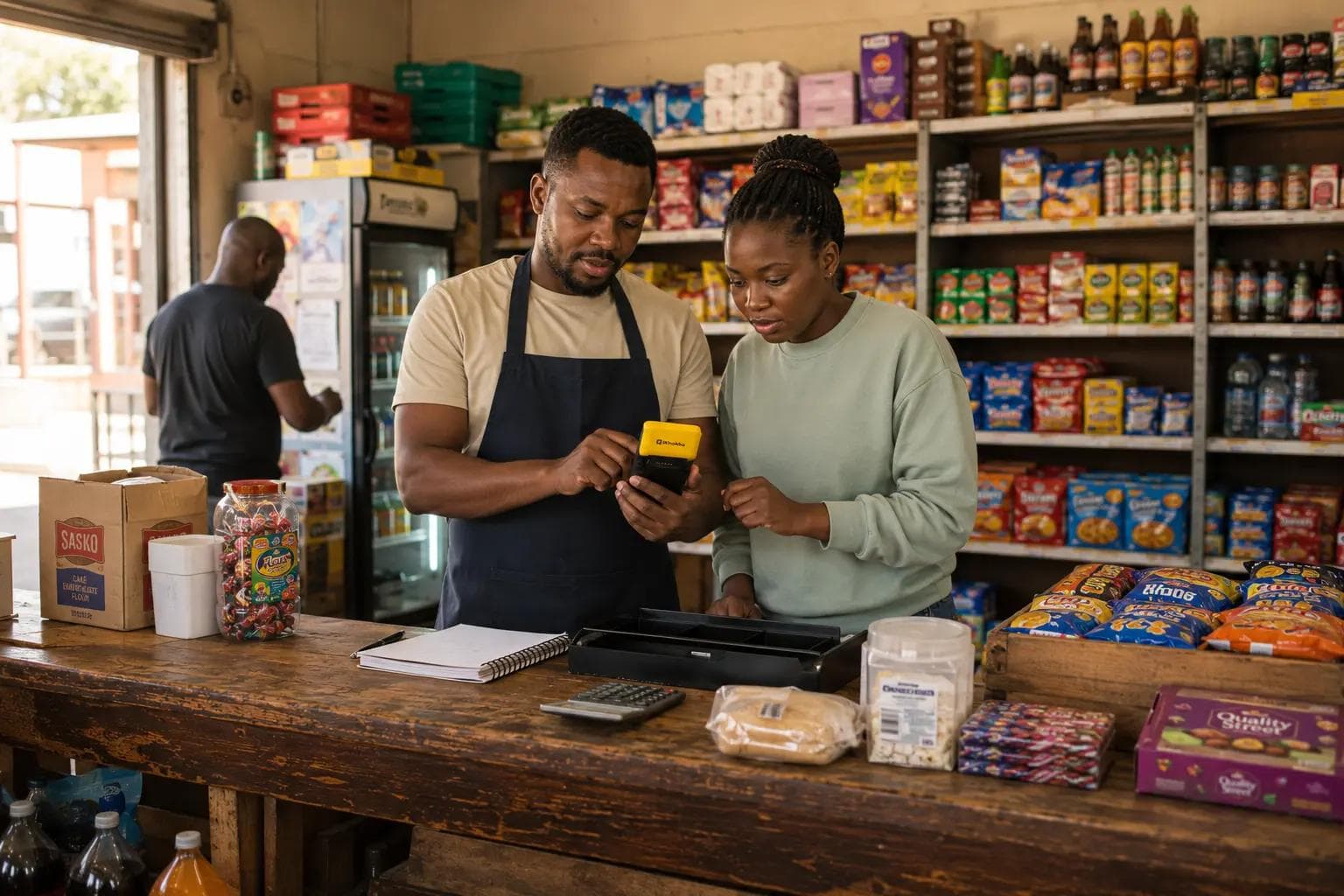
Card machine with POS features built in: For small businesses that have grown past the very early stage, a card machine with POS software pre-loaded is the most common setup in South Africa. You take payments, print receipts, do cash-ups, manage stock and staff, and sell prepaid products, all from one device. No separate phone or laptop needed.
The iK Flyer and iK Flyer Lite are card machines that work this way. The iKhokha App comes pre-loaded on the device, which means you have a full POS setup in your hand from day one. This suits salons, takeaways, spaza shops, mobile service businesses, and growing retailers who need more than a basic card machine but aren't ready for a full till system.
Full POS system: For established retailers, restaurants, busy takeaways, and high-volume operations, a full POS system with dedicated hardware is the right fit. This typically means a dedicated Android touchscreen with a built-in printer and POS software that can handle more complex needs, like table management, ingredient-level stock tracking, supplier management, and live reporting across multiple users.
iK POS is an all-in-one POS system built for SA businesses, running the Poster POS software in three packages: Retail, Hospitality, and Enterprise. It's designed for businesses that need more than a card machine can offer.
Cloud vs on-premise: Most modern POS systems in South Africa are cloud-based, which means they run over the internet and update in real time. If you have more than one location, or you want to check your sales remotely, that kind of access is really useful. On-premise systems run on local hardware and don't need a constant internet connection, which can be worth considering if your business is in an area where connectivity isn't always reliable.
How to choose the best POS for your business
The right POS system isn't the most advanced one. It's the one that fits how your business actually works.
Match the POS to your business type
Different businesses have different needs, and a POS system that's perfect for a restaurant might be overkill for a market stall. Here's a simple way to think about it:
- Spaza shops and small retailers do well with a card machine that has POS features built in. It handles payments, stock, and sales tracking without overcomplicating things. For more on running a spaza shop, read how to start and grow a spaza shop.
- Salons and takeaways benefit from stock tracking, tipping support, and staff logins, all of which are available on a card machine with POS software pre-loaded.
- Restaurants typically need a full POS with table management, bill splitting, and ingredient-level tracking. A full till system makes sense at this level.
- Service businesses like plumbers, cleaners, and gardeners need something portable. A smartphone-based setup or a compact card machine is usually enough to get the job done.
Key features to look for
When comparing POS options, here's what's worth paying attention to:
- Payment types accepted - card, tap, and ideally prepaid services like airtime, electricity, and DStv if you run a spaza or convenience store.
- Stock and product management - the ability to load your products with prices and track what's selling.
- Sales reporting - daily, weekly, and monthly reports that tell you what's actually happening in your business.
- Cloud access - the ability to check your sales and stock from your phone, even when you're not at the shop.
- Easy setup - a system you can get up and running quickly, without needing a technician.
- Reliable support - which is especially important if something goes wrong during trading hours.
- Battery backup - in areas where access to a constant power source isn't guaranteed, a device with a strong battery or backup power option keeps you trading when others can't.
What to consider on cost
POS systems vary widely in cost, and it's worth being clear on what you're actually paying for before you decide:
- Card machines with POS features built in tend to have a lower entry cost, often a once-off device purchase with transaction fees per swipe.
- Full POS till systems are a bigger investment, with a device cost and ongoing monthly software fees depending on the package you choose.
- Smartphone-based setups have the lowest entry cost, since you're using a device you already own.
The goal is to match what you spend to what your business actually needs right now. You can always upgrade as your business grows. Buying more than you need doesn't make your business run better - it just costs more!
Common questions about POS systems
Do I need a POS if I only take cash? A POS system is still useful even if you only take cash. It tracks what you've sold, helps you manage your stock, and makes your cash-ups faster and more accurate. Knowing what sold and what didn't is valuable regardless of how your customers pay.
Do I need internet for my POS? It depends on the system. Cloud-based POS systems need internet to sync data in real time, but many can still process sales offline and update when the connection comes back. On-premise systems don't need internet at all. It's worth checking the specific setup of any system you're looking at before you buy.
Can a POS replace my accounting software? A POS system handles sales, stock, and payments. Accounting software handles your books, VAT, and financial reporting. The two do different jobs, but many POS systems integrate with accounting tools so your sales data flows across automatically, which saves a lot of manual capturing.
Can I start small and upgrade later? Yes, and for most small businesses that's the right approach. Start with a smartphone-based setup or a card machine with POS features, and move to a full till system when your business needs it. You don't need to buy the most advanced system on day one.
Getting started with the right POS system
A POS system is more than a way to take payment. It's how you keep track of what's selling, manage your stock, and understand what your business is actually doing, without spending an extra hour on it at the end of every day.
The right setup depends on your business type and where you are right now. The important thing is that you don't need to start big. You can start with what makes sense today and grow from there as your business does.
iKhokha offers POS options at every level, so whatever stage your business is at, there's a setup that fits. For more on running your business like a pro, read 60 expert tips and tricks for small business success.